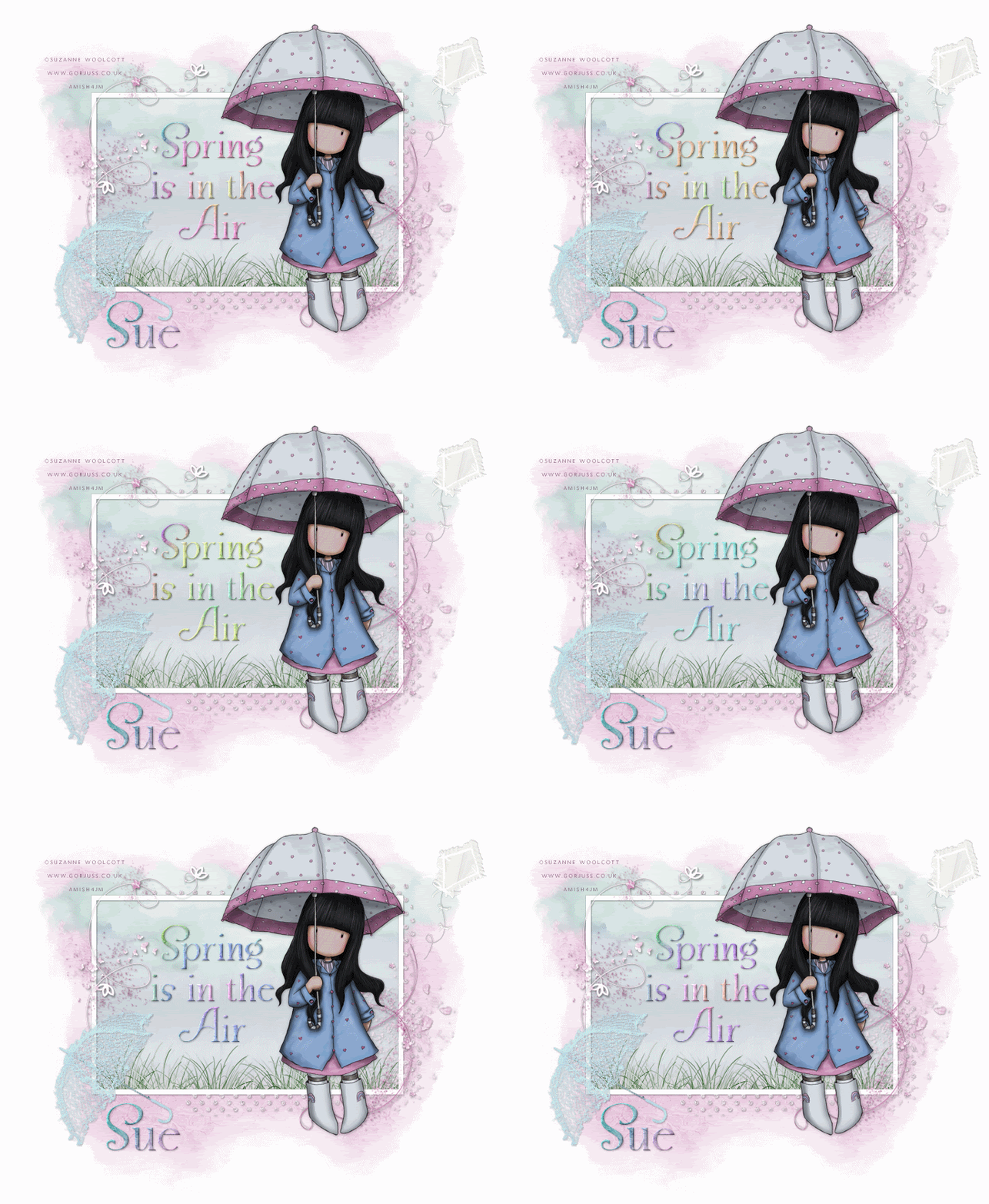
To view animated version of tag just click tag.
This tutorial is for those with a good working knowledge of psp.
Supplies Needed
Tubes of choice, I used artwork by
Suzanne Woolcott.
Scrapkit, "(PTU)
A Fae For All Seasons - Spring Edition" from Oopsie Daisy.
Font of choice, I used Snooty Fox NF (PTU).
Template, I used
Frame #4 from Rachel.
Mask, I used #210 from
Insatiable Dreams.
Let's Begin!
Open Frame
Shift D and close original
Resized frame by 80% but don't check the all layers box.
This will give you room to move around
but don't forget to crop/resize when done.
Delete the copyright layer.
Open supplies and resize and minimize until we need them.
I resized kite, umbrella and grass at 30%, and the clouds by 50%.
Add new raster layer and move below frame and fill with white.
Paste paper of choice, I used paper 9. Apply mask and merge group.
Paste clouds and duplicate twice and move one to right at top of frame
and one to left top of frame and the third one in middle but inside frame.
Use mine as a guide.
Paste Umbrella and rotate it to the left 45 degrees.
Add kite and mirror and place to right top of tag or where ever you want.
Paste grass and move to bottom left and duplicate and move to the right and merge together.
Using selection tool, make a square the size of frame and invert it and then hit delete on grass layer.
Paste paper of choice and hit delete.
Select none.
Paste tube.
If you are not going to animate tag then add wordart of choice.
Add name.
I added Inner Bevel to mine with these settings...
Bevel 2 , Width 2 , Smoothness 2 , Depth 2 , Ambiance 0 , Shininess 2 ,
Color White , Angle 315 , Intensity 45 , Elevation 35
Add any other elements of choice.
Add dropshadow to all layers. I used 1,1,35,3, black.
Add copyright.
To do animated version, leave wordart layer off tag in psp
and copy merged tag and paste in AS.
Ctrl L until you have 7 layers total.
Open animation I supplied and Ctrl A and drag them to first layer of tag.
Save as a gif.
If you want to make your own wording and animate it
just simple type text in psp and add inner bevel like above
and add dropshaddow and copy it and then paste it in AS.
At top go to effects and click Insert Image Effects and use this setting...
Effect - Rotate Colors
Effect Length - 1.2
Frames per second - 5
Total of 6 frames
Click OK.
That's it - now you have animation like mine.