Friday, May 29, 2009

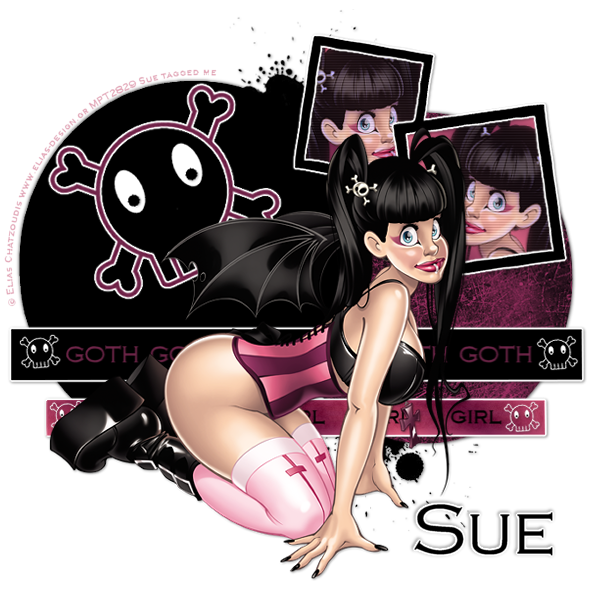
Goth Girl


Photobucket


This tutorial is written for those that
have a working knowledge of PSP.


You will need...

Tube of choice, I used artwork by Elias Chatzoudis
and you can purchase his work HERE.
Don't use same tube unless you purchase it.


Font

Copperplate Gothic
PTU Font - Sorry Can't Supply


Filters Used

Eyecandy4000 - Gradient Glow
Xero - Porcelain
PhotoEffex - Scanlines
You can get it HERE.

Pattern and Template
You can get it HERE.


Okay, let's get started.

Remember to save often!!!

Open template and shift D and close original.
Go to image / canvas size / 700 x 700

Select Right Circle Layer / Float / Modify / Smooth by 10
New Raster Layer /Flood Fill with pattern.
Select None.


On Long Rectangle Layers
I used 2 colors / Gradient / Effects / Fine Leather
On Bottom One
Black on Top One
EyeCandy / Gradient Glow
3 / 25 / 100 - White
On Both

Select Frame Layer / Float / Modify / Smooth by 10
New Raster Layer /Flood Fill with color
Select None
Add Gradient Glow

Select Frame Background Layer / Float / Modify / Smooth by 10
New Raster Layer /Flood Fill with color

Paste Tube

Duplicate Twice
Mirror one of them

Lasso around Right Frame Background
Selections - Invert
Position Mirrored Tube and Hit Delete

Do the same for Left Frame

Select Top Framed Tube Layer
Merge Down
So Both Layers Are Now One

Plugin / Xero / Porcelain
Default Settings

PhotoEffex / Scanlines
Default Settings

Lower Opacity to 90

Place Original Tube Layer Where You Want It

Select Scull Layer / Float / Modify / Smooth by 10
New Raster Layer /Flood Fill with color
Select None
Gradient Glow

Add Text Of Choice To Rectangle Layers

Add Name
Gradient Glow

Add Drop Shadow To All Layers.

Add Copyright.

Save as desired.

Hope you enjoyed my tutorial.

Another Example

Photobucket

Tuesday, May 26, 2009

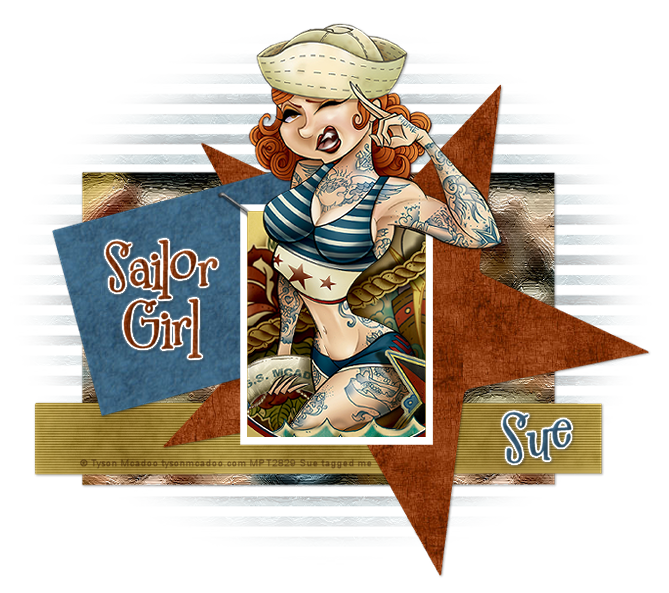
Sailor Girl

Photobucket


This tutorial is written for those that
have a working knowledge of PSP.


You will need...

Tube of choice, I used artwork by Tyson Mcadoo
and you can purchase his work HERE.
Don't use same tube unless you purchase it.

Template #43 from Sara.
You can get it HERE.

Mask - Monti's Blinds
You can get it HERE.

No Scrap Used.
You can use one if you would like.


Font I used was 2Peas Mister Giggle
PTU Font - Sorry Can't Supply


Filters Used

Eyecandy4000 / Gradient Glow
PhotoEffex - Scanlines
You can get it HERE.

Patterns and Wordart I Made.
You can get it HERE.


Okay, let's get started.

Remember to save often!!!

Open template and shift D and close original.
Delete Top Two Layers
(copyright and music note)

Go to image / canvas size / 750 x 700
Placement - Bottom Center

Photobucket

Flood fill with pattern of choice
apply mask
Layers - Merge Group
Lower Opacity to 30

Select Rectangle Layer / Float / Modify / Smooth by 10
New Raster Layer /Flood Fill with a different pattern.
Select None.
Close out original layer.
(we will be doing the above steps for all layers)

On Long Rectangle Layer
I used color from Tube / Effects / Fine Leather
Then
Photoeffex - Scanlines
Default Setting


Paste Tube

If you are using same as mine
I pasted tube with background
Selected Black Rectangle Layer / Float / Invert
Hit Delete on Tube Layer
Then I pasted Tube without background layer and made sure it lined up with other one.
Erased the bottom that was outside the rectangle.

Add Copyright

Add Name / Inner Bevel

EyeCandy 4000 - Gradient Glow
3 / 25 / 100
White

Add a drop shadow of choice to your layers.
Save as desired.

Hope you enjoyed my tutorial.

Friday, May 22, 2009

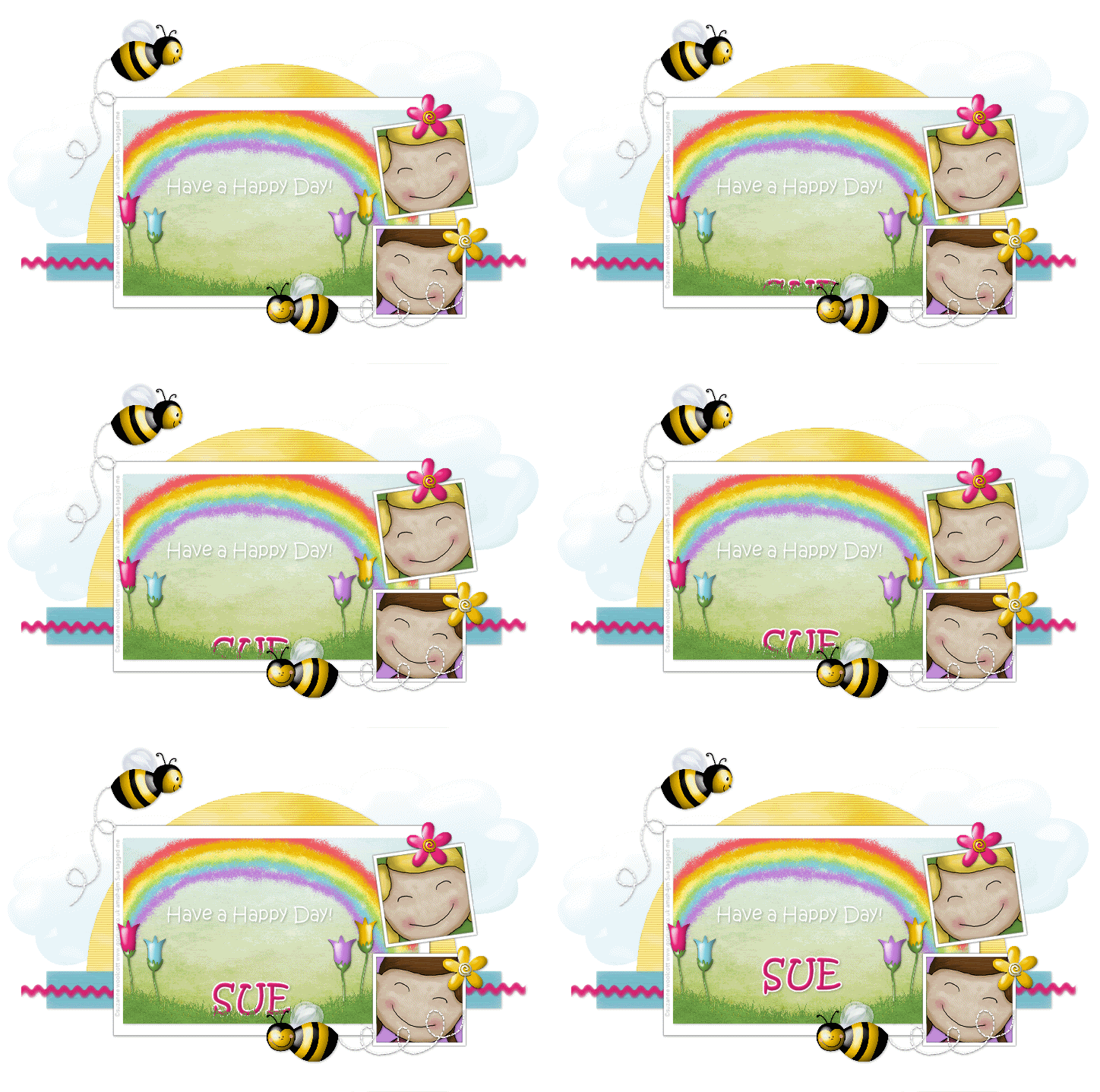
Happy Day

Photobucket


This tutorial is written for those that
have a working knowledge of PSP.


You will need...

Tube of choice, I used artwork by Suzanne Woolcott
and you can purchase her work HERE.

Template #29 from Sara
You can get it HERE.

I used a FTU Scrap kit called Happy Day
and you can get it HERE
This is an fabulous kit!!!

EyeCandy 4000 - Gradient Glow
Mura's Meisters - Clouds
PhotoEffex - Scanlines


Okay, here we go...

Remember to save often!!!

Open template and shift D and close original.
Go to image / canvas size / 700 x 700
Delete top 3 Layers.

Select Half Circle Layer
Select All / Float
Mura's Meisters - Clouds

Photobucket

Select None.

PhotoEffex - Scanlines
Default Settings

Select Long Rectangle
Select All / Float
Flood Fill - color of choice
Effects - Art Media - Brush Strokes

Photobucket

Select None.


Select ZigZag
Select All / Float
Flood Fill - color of choice
Effects - Texture Effects
Fine Leather

Photobucket

Select none.

Select Rectangle BG
Select all / Float / Invert
Paste Paper
Resize - Postion
Hit Delete

Add
rainbow, grass, and flowers

Select Small Square Layers
Select all / Float
Flood Fill - colors of choice

Paste Tubes
Resize - Postion
Hit Delete

Select None.

Add Elements of Choice
(clouds, bees, trails, flowers)

Add Saying of Choice

Add Drop Shadow
to Layers

Add Name

Add Copyright.

Save as desired.
~~~~~~~~~~~~~~~~~~~~~
To Animate Name
~~~~~~~~~~~~~~~~~~~~~~
Make Sure Name Layer is Below the Grass Layer

Duplicate Name 5 times so you have a toltal of 6 Layers

Postion Top Layer where you want tag to End Up
On Each Layer Below Move Down
Untill Last Layer is barely showing.

Photobucket


Select Rectangle Layer
Select All - Float - Invert
Back to Name and Hit Delete
On All Name Layers

Photobucket

Close Off Top 5 Name Layers
Edit - Copy Merge
Paste in Animation Shop
Back To PSP
Close Off 6th Layer
Unhide 5th Layer
Edit - Copy Merge
Paste in Animation Shop
Continue This untill all are in AS
Last Layer - Right Click
Frame Properties 200
Save as a Gif.


Saturday, May 16, 2009

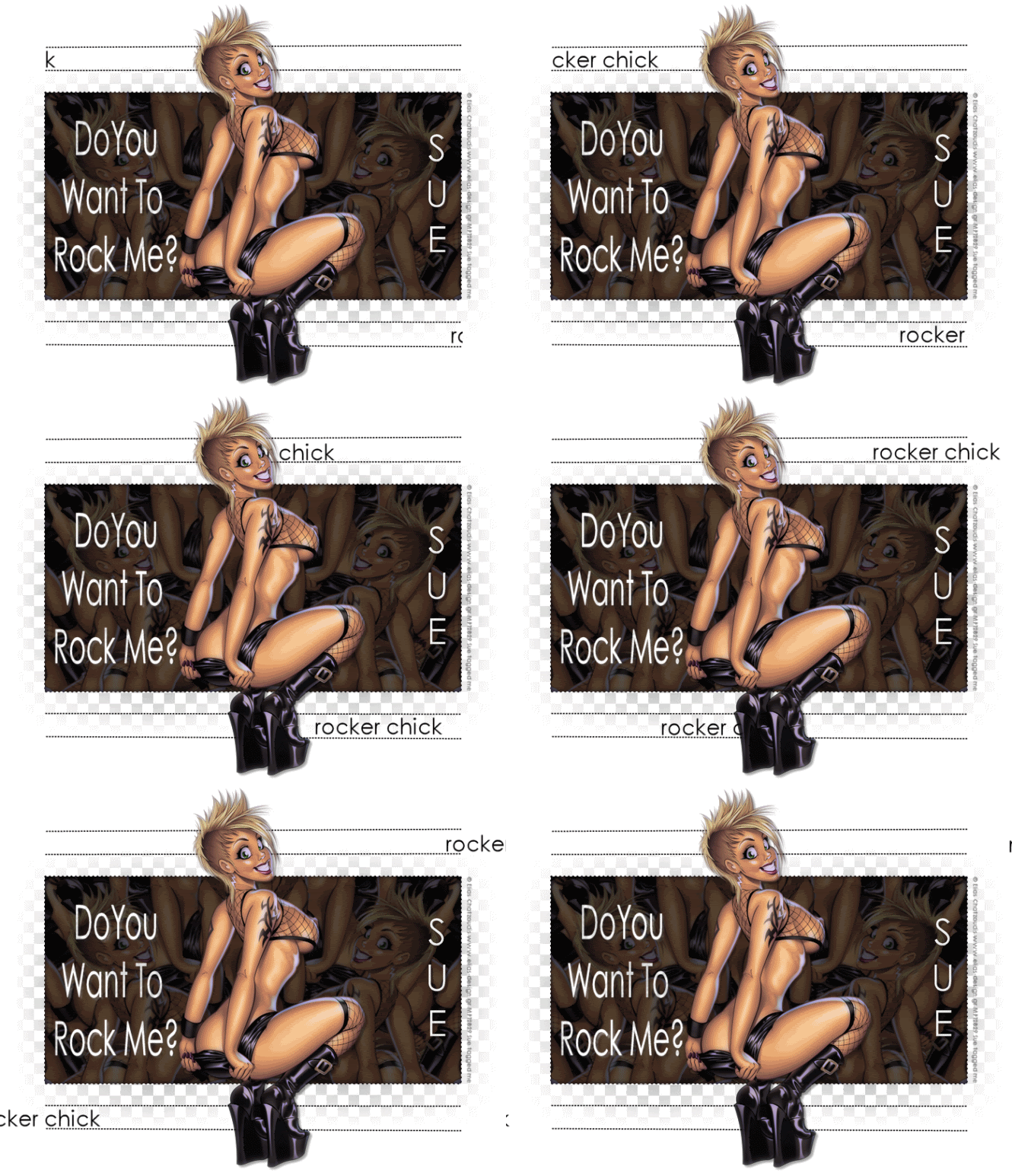
Rocker Chick


Photobucket


This tutorial is written for those that
have a working knowledge of PSP.


You will need...

Tube of choice, I used artwork by Elias Chatzoudis
and you can purchase his work HERE.
Don't use same tube unless you purchase it.

Template and Animations are by Me.
You can get it HERE.

Plug-ins used were

Mura's Meister - Copies
AAA Filters - Granularity
(optional)
Xero - Porcelain
(optional)

Font
Century Gothic


Okay, open up your template and shift D, then close original
delete my info layer

Colorize mask layer if you want this a different color than mine.
Paste your Tube
Duplicate and Hide Copy

On original tube layer
Plugins / Effects / Mura's Meisters - Copies

Photobucket

Select Black Rectangle Layer

Select All
Float
Invert
On Copies Layer Hit Delete.

Xero - Porcelain
Default Settings
Lower Opacity

AAA Filters - Granularity
Default Settings

Unhide Tube Layer
Apply Xero - Porcelain
Hide layer again

Add Copyright
Add Name

Add Drop Shadow to Layers.

Edit -Copy Merged
(make sure your tube layer is still hidden)

Go To Animation Shop
Paste Layer
Hit Ctrl L untill you have 20 layers total
Open wordart and animation I supplied.
On Wordart Ctrl A and drag to where you want it.
Next go to Animation
Ctrl A and place this on the right lower area between the two lines.
Back to Animation and hit Undo
Go to Animation at top and Select Reverse Frames
Drag Animation to the top left area between those two lines.

Go Back to PSP
Copy Tube Layer
Paste in Animation Shop
Ctrl L untill you have 20 layers
Ctrl A
Drag to center of tag.

Save.


~~~~~~~~~~~~~~~~~~


How to make Rocker Chick Animations


~~~~~~~~~~~~~~~~~~

For the Slider "Rocker Chick"

Open New Canvas 650 x 250

Type Text you want to use

Position it on the checkered bg
so it's straight.

Move it all the way over to the right and only have part
of the first letter showing

Duplicate and Move this layer Left just a bit
and make sure it's still straight lined up.

Continue this until you are all the way across the Canvas
and only the last letter is showing.

Save as a psp image and open in Animation Shop

That's it!


~~~~~~~~~~~~~~~~~~


For Wordart Animation

Type out text you want and add drop shadow.
Copy and Paste into Animation Shop

Effects - Insert Image Effects
Underwater
Customize

Photobucket


Photobucket


Play around with it untill you like your results.

That's it!

My First Award!


JustJo63 from Ramblings and Tuts gave me my first award!
I am so thrilled.
Thanks JustJo!!!!

The rules are - Put the name and link of who gave you this award on your blog.
Then pass it on to 10 blogs which you think deserve it.

My Top 10 are....


Stina of Designs by Stina
Lorelei of Wild is dreaming up Tuts
Sherry of Young at Heart Designs
Missy Lynn of Missy Lynn's Scraps and Tuts
Kay of Kay's Tutorials
Debi of
Warped Minds
Shani of Wicked Princess Tutorials
Christie of Sinful Tuts and Tags
Ivory of Ivory Imagery
Bev of HorsePlay's Pasture tutorials


Monday, May 4, 2009

Each Day


Photobucket

This tutorial is written for those that
have a working knowledge of PSP.


You will need...

Tube of choice, I used artwork by Suzanne Woolcott
and you can purchase her work HERE.

(PTU) Scrap Frame from Nicole Young called Junk Drawer
You can get this HERE.

This is a super easy and quick tutorial!

Okay, here we go...

Open LoveBird frame
Shift D
Close Original
Resize by 25%
Magic Wand
Click inside frame and go to Selections
Expand by 4
New Raster Layer
Flood fill with color of choice.
Make sure layer is below frame layer.
Add Drop Shadow to Frame Layer

Add Tube.
Drop Shadow

Add Name.
Drop Shadow

Add Copyright

Save as desired.

So Easy, Right?

Hope you enjoyed my tutorial.


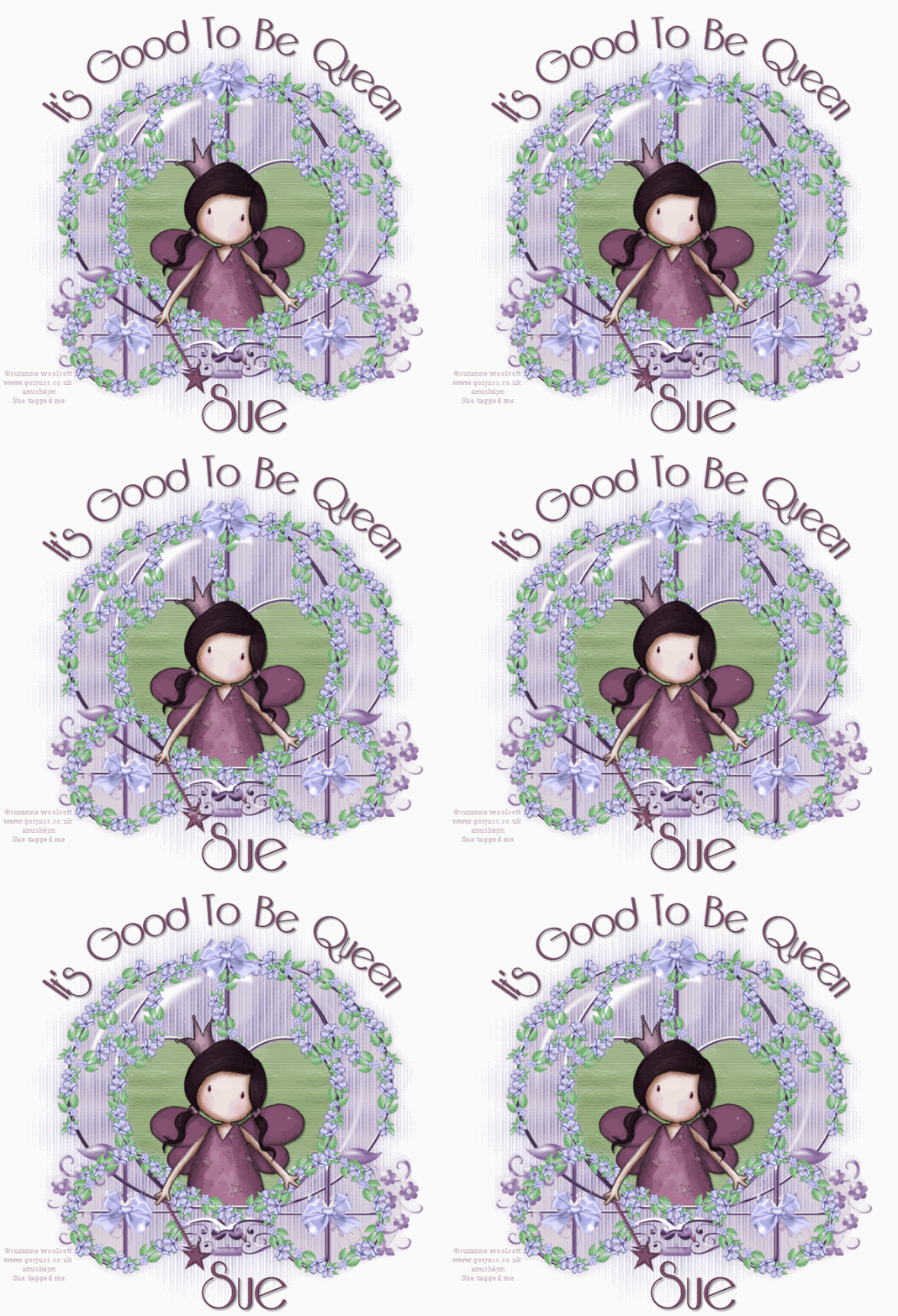
It's Good to be Queen.

Photobucket

This tutorial is written for those that
have a working knowledge of PSP.


You will need...

Tube of choice, I used artwork by Suzanne Woolcott
and you can purchase her work HERE.

Mask is EBDMask52
(in supplies)

Whisper Softly scrap kit by MoMo/Country Style Designs.
http://countrystyledesigns.com/store

This is just a great kit to have. So many possibilities.
Thanks MoMo!

Font I used was Riesling
You can get it HERE.

I made the wand and wordart
You can get them, animation, and the mask HERE.


Okay, here we go...

Remember to save often!!!

Open a New Canvas 700 x 700
Resize Later.
Flood fill with White.

Open Supplies.
I use animation shop / browse /csd_whisper softly
That way I can see everything and not have to open each layer in psp.
Do whatever is best for you.

Copy and Paste the WS Cart
Pick two colors from cart and make a gradient in the Materials Pallete.

Photobucket

Photobucket


Flood Fill New Raster Layer with Gradient.
Apply Mask.
Layers - Merge Group
Make Sure this layer is right above white bg layer.

On Cart Layer
Magic Wand / Click on Outside of Cart
Paste a Paper of Choice
I used paper 7.
Hit Delete.
Select None.
Move Layer beneeth Cart Layer.
Lower Opacity to about 40 or where ever you like it best.

Go back to Cart Layer.
Magic wand / Click inside the Heart
Invert
Paste paper and hit delete.
Select None.
I used paper 7 again but changed color.
Hue and Saturation / Colorized / 62 , 61
I also added Art Media / Brush Strokes


Photobucket


Add Tube of choice and postion where you like.
Crop any excess.
Add Wordart and Wand.
Make sure you move wand layer right below
tube layer so it looks like wand is in hand.

Add Copyright

Add Name.
I added inner bevel.

Photobucket


Add a drop shadow of choice to your layers.
Resize.
Save as desired.


ANIMATED TAG

If you would like to animate this tag like mine HERE

Go to AS and open the animation I supplied in supplies
I resized animation for my tag.

Go back to PSP and Copy Merged

Back to AS and paste and hit Ctrl L until you have 16 layers.

On Animation Select All and drag to where you like it placed on wand.

Save as a gif.

Hope you enjoyed my tutorial.